

Get up to speed with our Manhattan Product Concierge experience.
On delivery of your Mercedes-Benz, a Product Concierge will provide an individualized walkthrough of all vehicle technology, features, connectivity, and more.
Product Concierge at Mercedes-Benz of Manhattan
The Mercedes-Benz of Manhattan Product Concierge Team is here to help you with vehicle functionality, connectivity, and technology questions. To maximize your vehicle’s capabilities and stay safe on the road, explore our frequently asked questions.
Contact us today at: [email protected]
Dedicated to exceptional customer experience.
Making your Mercedes-Benz—yours.
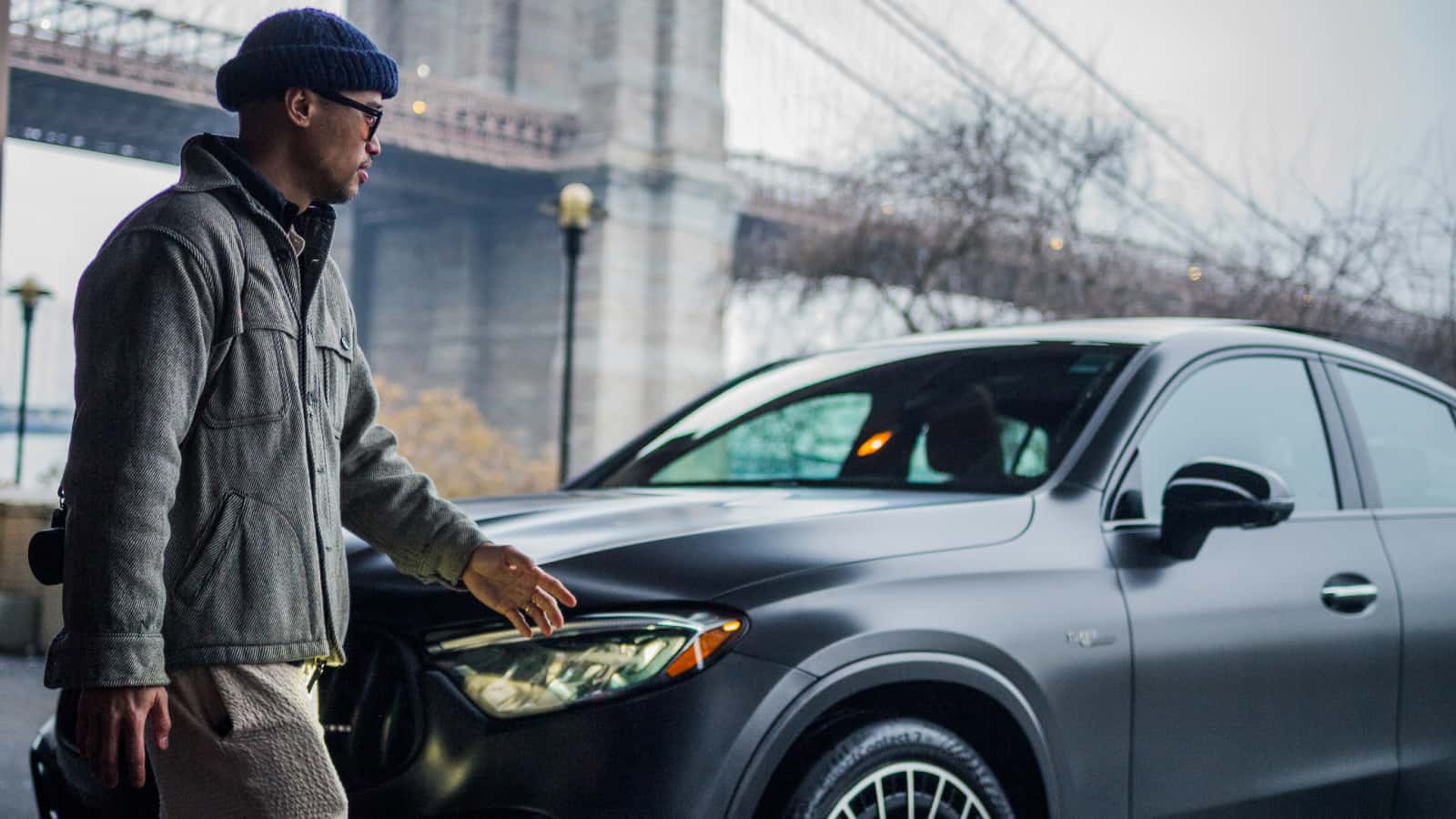
Meet the team.
Sample Paragraph

Frequently asked questions.
Q: How do I renew my Mercedes-Me Connect (MMC)® services?
A: Watch this video to learn how to repurchase/resubscribe your Mercedes-Me Connect (MMC) profile.
Q: How does Mercedes-Benz Parking Assistance work?
A. Active Parking Assist from Mercedes-Benz is a cutting-edge feature that helps you find and maneuver into parking spots, including tight spaces. It assists with handling, braking, steering, and gear changes while parking. Using ultrasound sensors, the system automatically searches for and measures potential parking spaces on both sides of the vehicle, whether perpendicular or parallel, at speeds up to 22 mph. Watch this video to learn how to engage the system. Watch this video to learn how to engage the system.
Q: What functions does Mercedes-Benz Driver Assist include?
A. Active Lane Keeping Assist, Active Steering Assist, Route-based Speed Adjustment, Active Lane Change Assist. Watch this video to learn what each does for the driver.
Q: Can a Tesla Charging Station [Level III High Speed Charger] be used for a Mercedes-Benz Electric Vehicle?
A. Starting in 2024, Mercedes-Benz electric vehicle owners will have access to the Tesla High Speed Chargers in North America. Learn more here.
Q. How do I activate wireless Apple Vehicle Play and Android Auto in my Mercedes-Benz?
A. Place your vehicle in park and follow the steps outlined in this video for Apple Vehicle Play and this video for Android Auto.
Q: When did Mercedes-Benz introduce Wireless Vehicle Play into the vehicles?
A. It was first implemented in the 2022 C-Class, S-Class, and Electric portfolio. Every model year 2024 Mercedes-Benz and beyond should have this feature available.
Q: How do I connect Bluetooth and/or a new phone user to my Mercedes-Benz?
A. Activate Bluetooth on your phone and follow the steps outlined in this video for multiple phone types.
Q: How do I activate Mercedes-Benz Brake Hold?
A. Place the vehicle in park with all doors closed and the seat belt fastened. Unrelease the brake pedal and after 3 seconds, unrelease further until “Hold” appears on the driver’s display. This will hold the vehicle in a standstill position without requiring you to unrelease the brake pedal while sitting in traffic. To deactivate, depress the accelerator. Watch this video to learn how to engage the system.
Q: How do I activate Mercedes-Benz Hands Free trunk access?
A. Make sure the key is with you and position yourself in front of the rear bumper. Do a kicking motion underneath the center of the rear bumper. If there is a tow hitch, kick underneath the left or right side of the rear bumper. Make the kicking motion quick and in and out. This feature can open and close the trunk. Watch this video to learn how to activate this feature.
Q: How do I save the seat settings in my Mercedes-Benz
A: Using the seat adjustment toggles on the driver-side door, get your seat in the desired position. Hold down the “1, 2, 3, or 4” buttons located directly next to the toggles, and you should hear a confirming sound that the seat settings have been saved. You have up to 4 seat preferences available in your vehicle.
Q: How do I active Keyless Go® & seamless door handles in my Mercedes-Benz?
A. Make sure the key is with you and simply approach the vehicle. The door hands will automatically extend and unlock the vehicle. To lock the vehicle, place a finger on the small, recessed area on the door handle. The vehicle will lock, and the handle will retract. If you notice the door handles are not extending, touch the center of the door handles, and they should extend. If that is still not the case, press any button on your key and the handles should reset and reactivate. Watch this video to learn how to activate the feature.
Q: How do I activate the MBUX voice command feature in my Mercedes-Benz?
A. Say “Hey Mercedes” followed by your request (i.e. “Hey Mercedes, open the sunroof” or “Hey Mercedes, change the ambient lighting to blue”). To understand the full list of commands, say “Hey Mercedes, what can you do”. A categorized list of commands will appear on the main display with a brief description. Watch this video to learn how to engage the system.
Q: How do I use the Heads-Up Display in my Mercedes-Benz?
A. Using the menu on the left side of the steering wheel, select the ⌂ button – this will display a two-layer menu on the center instrument cluster. Using the arrow keys on that same left steering wheel menu, swipe up to the first layer. This will display the various information which can be provided on the Heads Up Display along with your settings, which will control the position and brightness. Watch this video to learn how to engage the system.
Q: How does the Dashcam feature in my Mercedes-Benz work?
A. Place your vehicle in park and follow the steps outlined in this video.
Q: What is the Mobile Flex Charging cable and how do I use it with my Mercedes-Benz?
A. The Mercedes-Benz Mobile Flex Charging Cable gives you another charging option when a Wallbox or Charging Station is unavailable. The Mobile Flex Charging Cable is stored conveniently in your trunk and capable of Level 2 Charging with a 240-volt adapter. All you need is access to an electrical socket. Watch this video to learn how to use.
Now let's find your ride.
Browse the latest inventory at Mercedes-Benz of Manhattan.
Mercedes-Benz of Manhattan
We are located at
770 11th Avenue • New York, NY 10019